
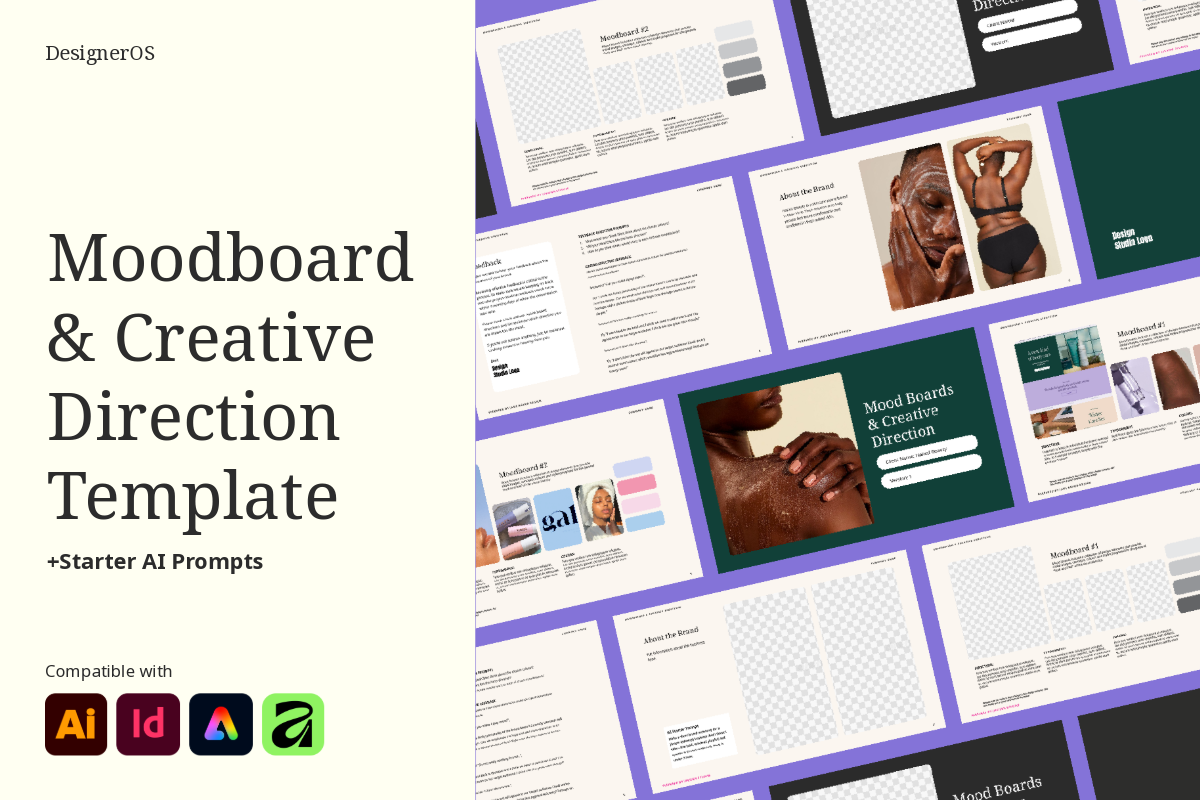
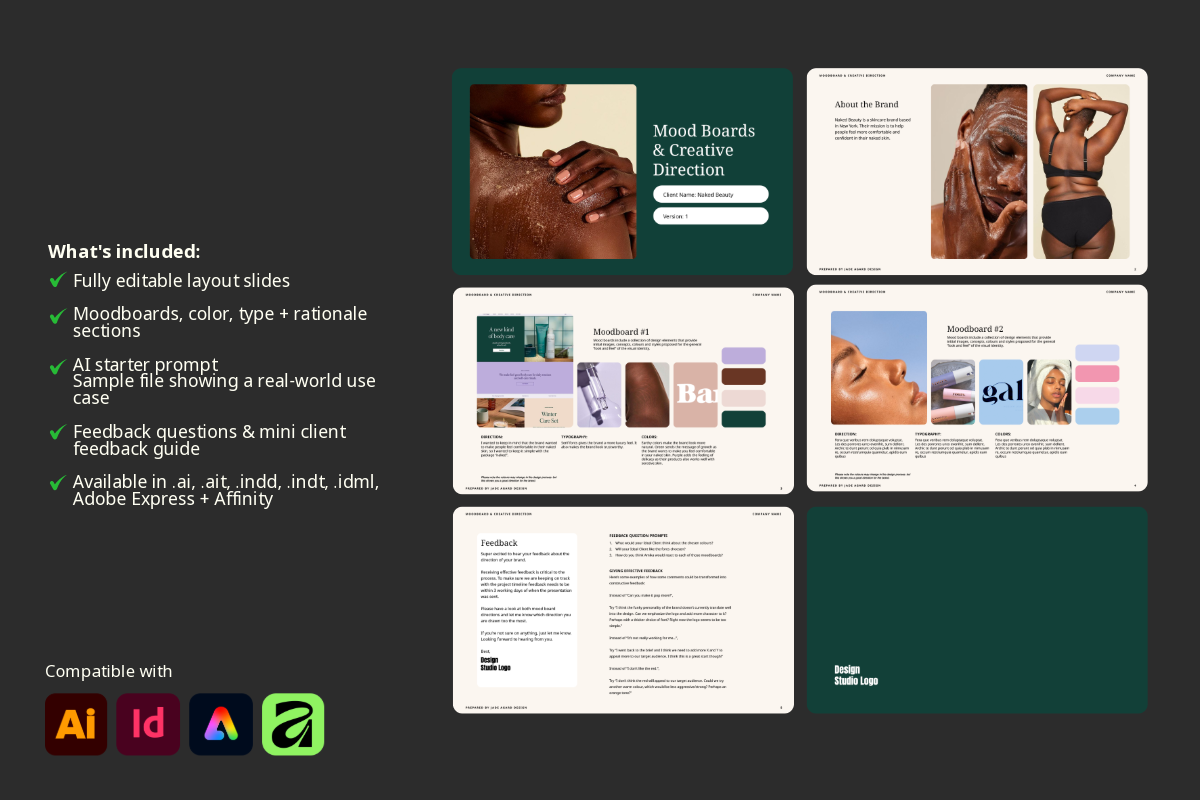
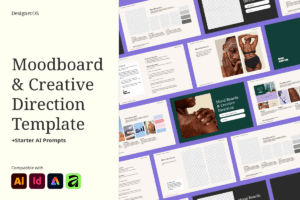
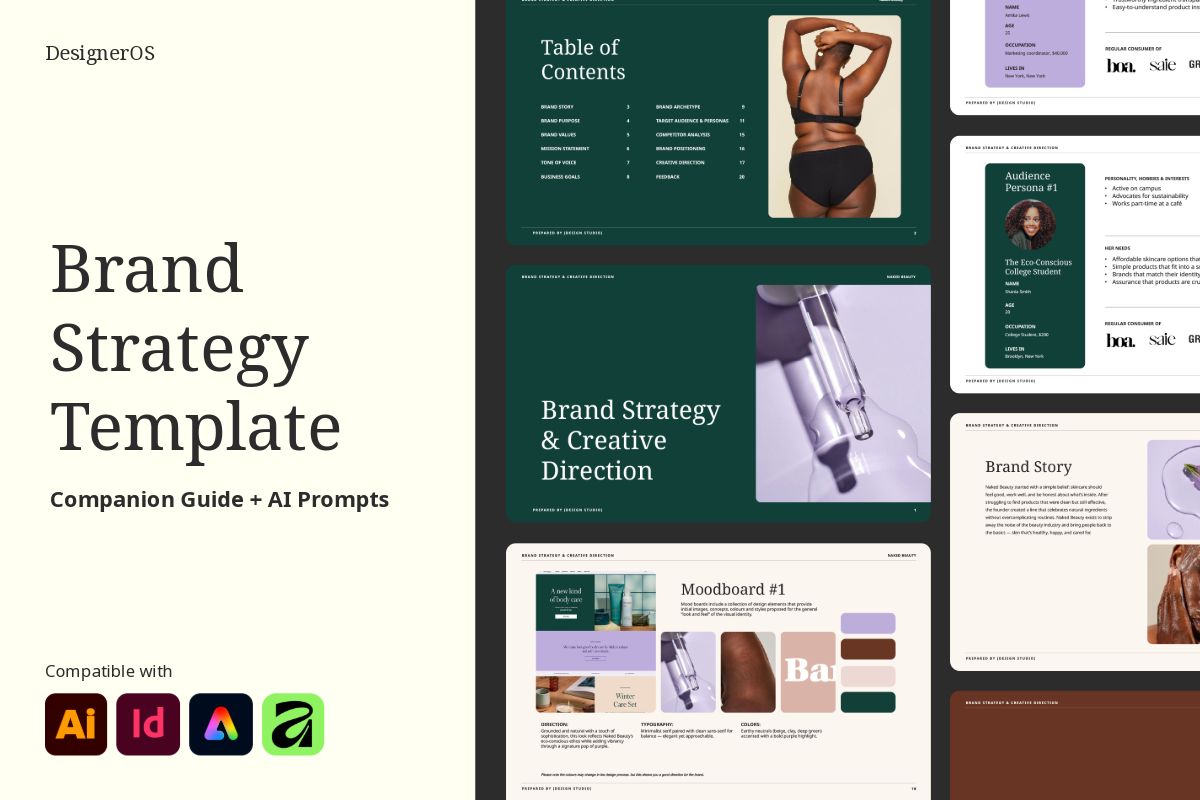
Rebuilding the same moodboard for the 100th time? Couldn’t be you…after this template. The Moodboard Presentation Template gives you prepped slides for moodboards, colour palettes, and typography, plus AI starters and guided prompts to help you nail the creative direction fast. No more starting from scratch. No more layouts that eat your whole afternoon. Available in Affinity, Illustrator, InDesign, and Adobe Express.
$0.00
We’ve all been there, rushing to throw together a moodboard at 11pm or spending way too long tweaking layouts that should’ve taken ten minutes. That’s exactly why this template exists.
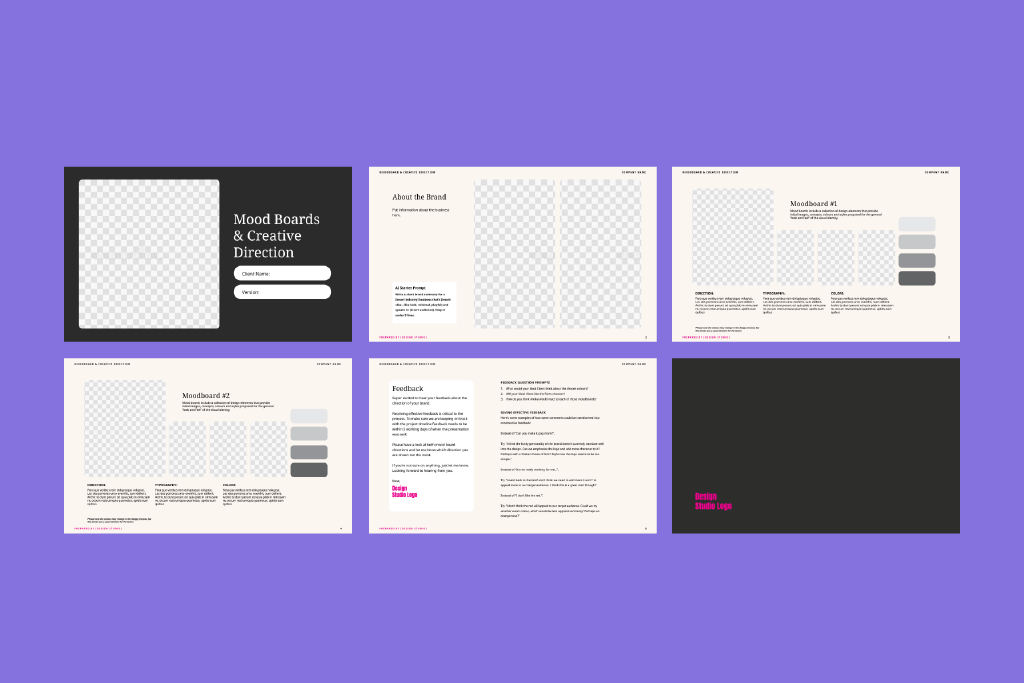
It’s built for brand designers who want to spend more time actually creating and less time wrestling with formatting. The structure is already done. The slides are already laid out. You come in, drop in your visuals, refine your direction, and walk into that client presentation looking completely in control, because you are.
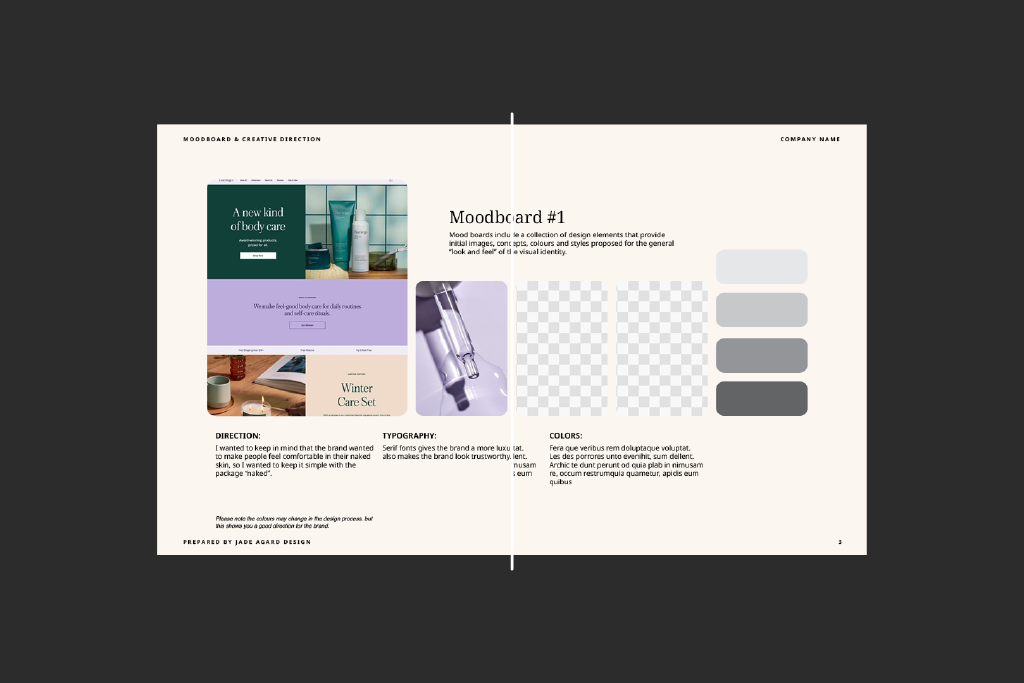
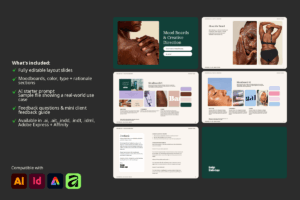
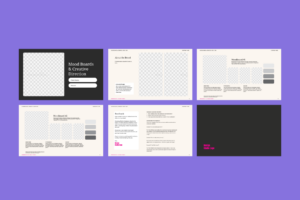
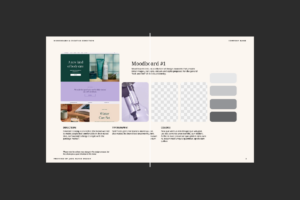
Inside you’ll get slides for moodboards, colour palettes, typography, and overall creative direction, along with a clean framework for explaining your creative rationale in a way that helps clients understand why your choices make sense, not just what they’re looking at. That alone tends to cut revision rounds significantly.
There are also starter AI prompts for when you know the direction but can’t quite articulate it yet, plus built-in feedback questions and a mini guide that make client revisions smoother and a lot less chaotic. And because seeing a template in action is worth more than any description, there’s a sample file showing exactly how it all comes together in a real project.
Everything is fully editable in Affinity, Illustrator, InDesign, or Adobe Express. Tweak the layouts, match your aesthetic, make it yours.
Upon purchase, you’ll be able to download the zip file on the order confirmation page or your account.
Since this is a digital product with instant access, all sales are final. For the full details, take a look at our License & Terms page.
In the zip file, there is a pdf document with the links to download the Google Fonts. Click on the “Download Font” button. Please install the fonts before opening.
Inside the template, you will find ready-for-use prompts as well as guides to help you come up with copy for each individual page based on your process, target audience, brand personality and tone of voice.
On a PC: Right-click the zip file, select “Extract All,” and choose where you’d like the files saved.
On a Mac: Double-click the zip file and it’ll unzip automatically into the same folder.
Still stuck? Reach out and we’ll help you get sorted.
Something not working right, or just have a question about your template? Email us, we’re happy to help.
Sorry, no reviews match your current selections

This template was such a pleasure to use. The design is beautiful, and working with it in Affinity Designer was incredibly smooth and easy. Everything was thoughtfully laid out, which made customizing it simple and enjoyable.
nice
Simple but creative moodboards and immensely helpful templates!
Thank you very much! Your work really inspires me.