
Design templates are a great way to create a professional look and feel for your client presentations without having to spend a lot of time on the design process. In this blog post, we’ll explore why you should use design templates and how they can help you streamline your process.
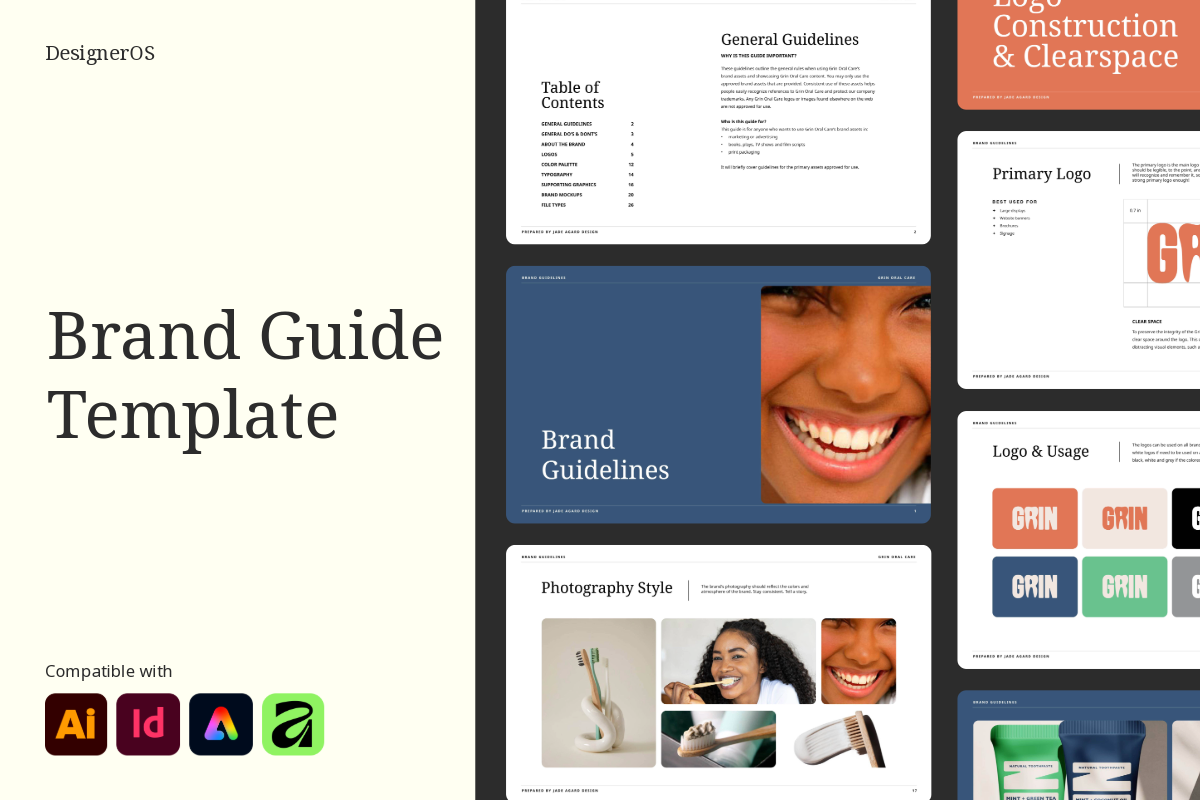
What are Design Templates
Design templates provide a great starting point for any project. They are typically pre-designed with the necessary elements and features, so you don’t have to worry about creating a design from scratch. Additionally, you can customize the templates to fit your specific needs. This can save you a lot of time and effort in the design process.
Benefits of Design Templates
1. Save Time
The first and most important advantage is that it saves you time. No matter if you outsource your design tasks or you do it yourself if you have templates for the task you’ll finish it in a blink.
2. Save Money
You save money. Because your time is money… Do you see the correlation? And not to mention, you won’t need a lot of constant modifications, because, with templates, her job will be pretty straightforward…
3. Increase Productivity
You won’t need to constantly reinvent how you present your content. You won’t get the feeling of not knowing where to start and spending hours just looking at a blank artboard or redesigning it because you don’t think it’s right. There won’t be any more of that, because you’ll always know where to start.
4. Build Consistency
You’ll build consistency in today’s highly contaminated online space. You’ll create a consistent brand, that is recognisable instantly. We are all drawn to these brands because we feel we can trust them.
Customizing Design Templates
When you use design templates, you can customize them to fit your specific needs. For example, you can add your own colors, fonts, and logo to give the template a unique look. You can also add different features and elements to make the template even more custom.
Conclusion
Design templates are a great option for creating a professional look and feel for your website or project. They provide a great starting point and can be customized to fit your specific needs. They can also help you create a design that is consistent and optimized for SEO. With design templates, you can create a great final product without spending a lot of time on the design process.
Download the exact templates I use to streamline my design process on my design shop.