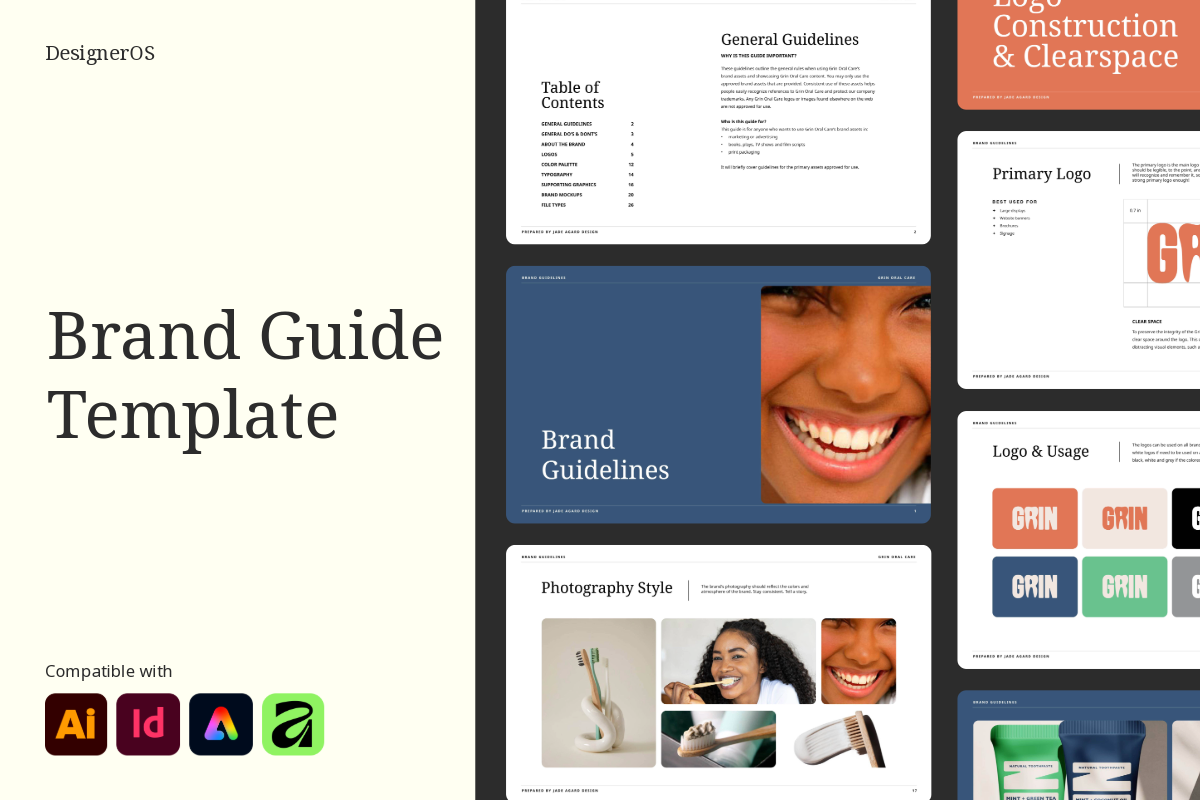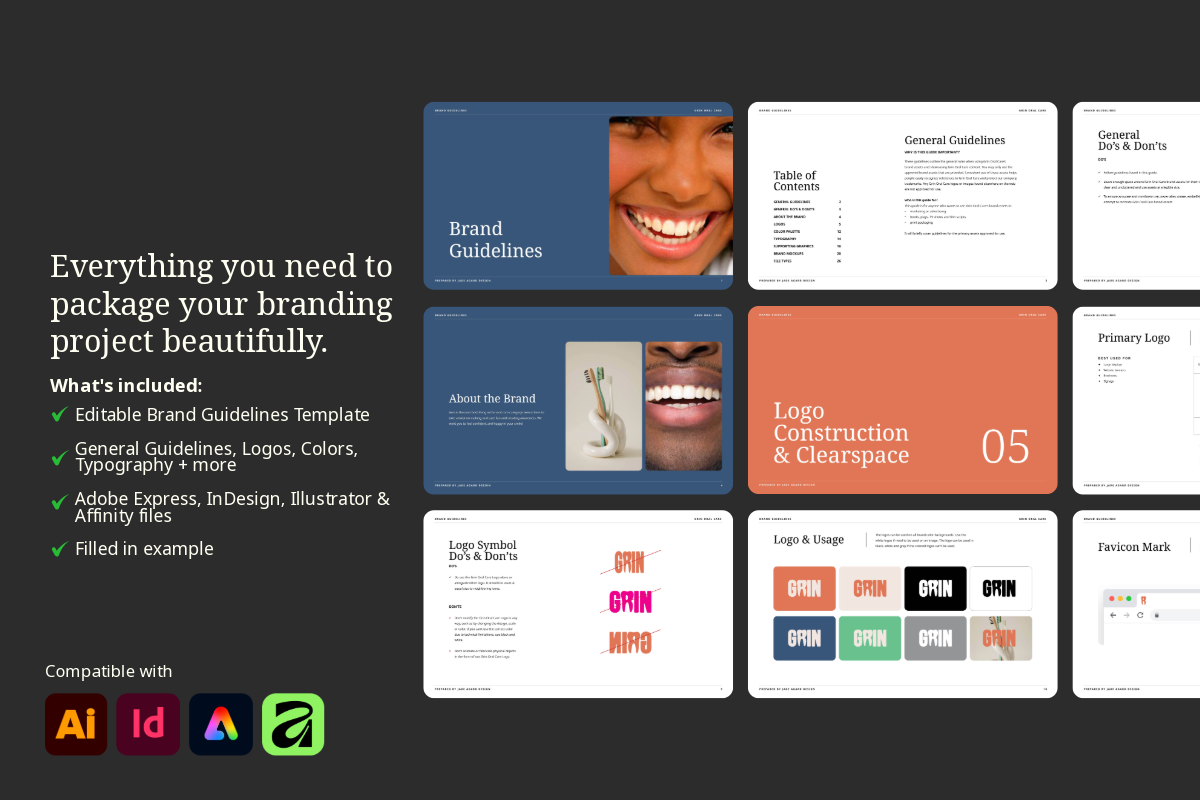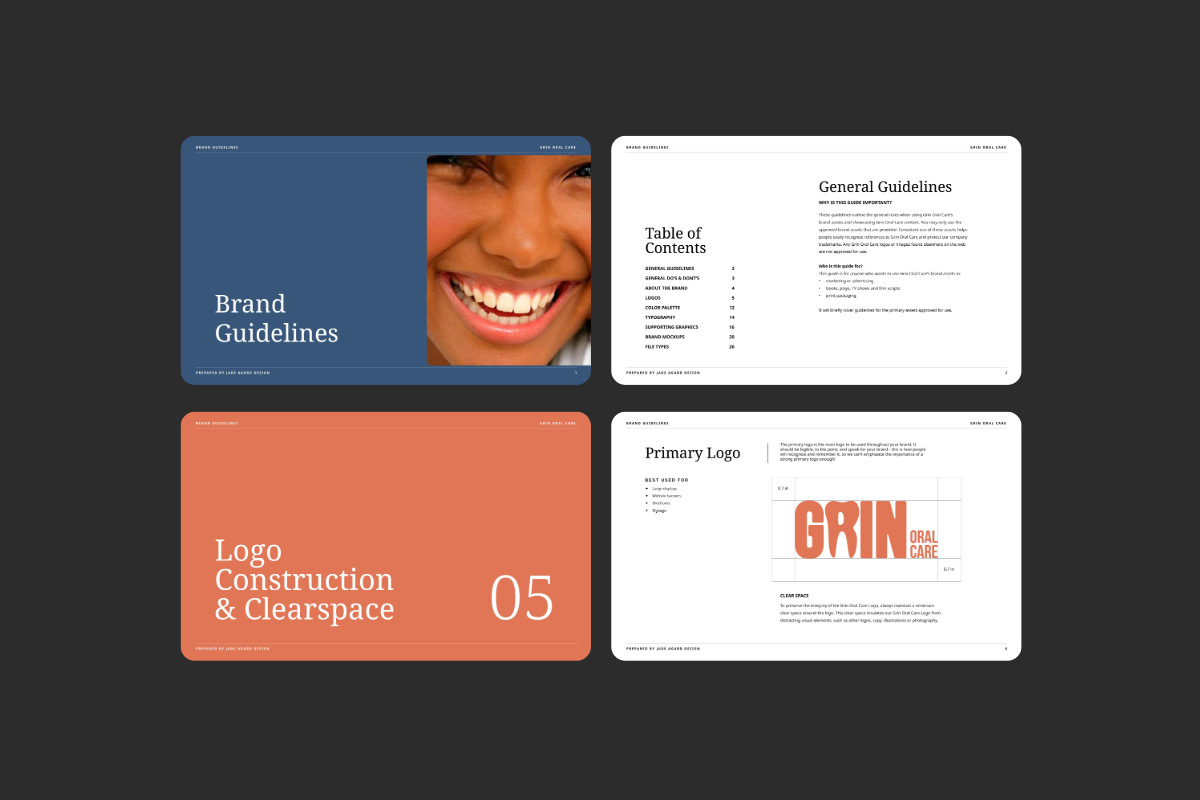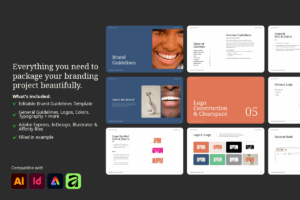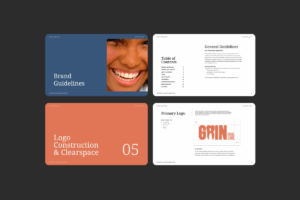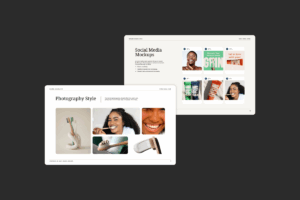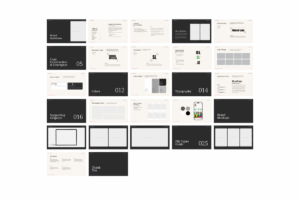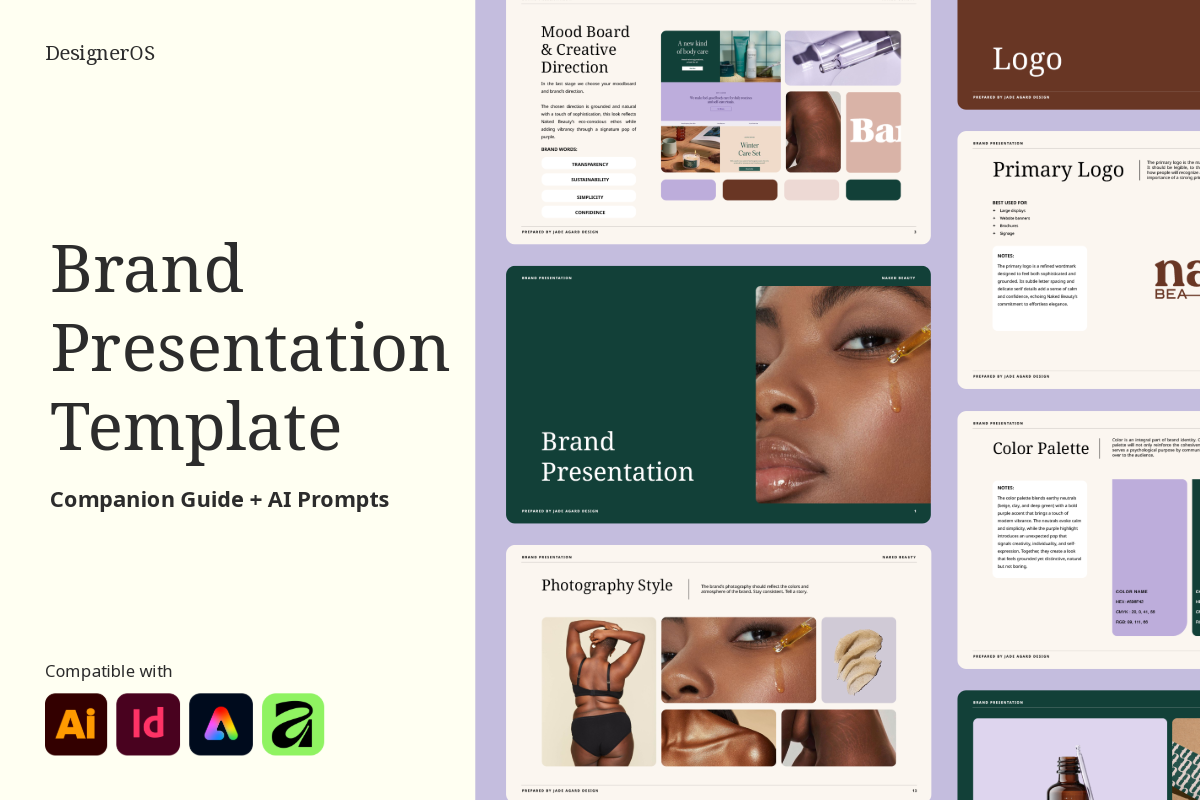
The brand is done. The client is happy. And now you have to build the guidelines document from scratch, again. The Brand Guidelines Template gives you a clean, modern, fully structured handoff document so you can wrap up every branding project looking completely professional without spending hours formatting. Just drop in the assets, update the copy, and send. Available in Adobe Express, InDesign, Illustrator, and Affinity.
$27.00
If you’ve ever wrapped up a branding project and thought “Ugh, now I have to build the guidelines,” this template will feel like someone read your mind.
Brand guidelines are one of those deliverables that clients genuinely judge you on, not because they understand design, but because a polished, well-organised handoff document signals that you run a professional operation. A cobbled-together PDF does the opposite, no matter how good the actual brand work was.
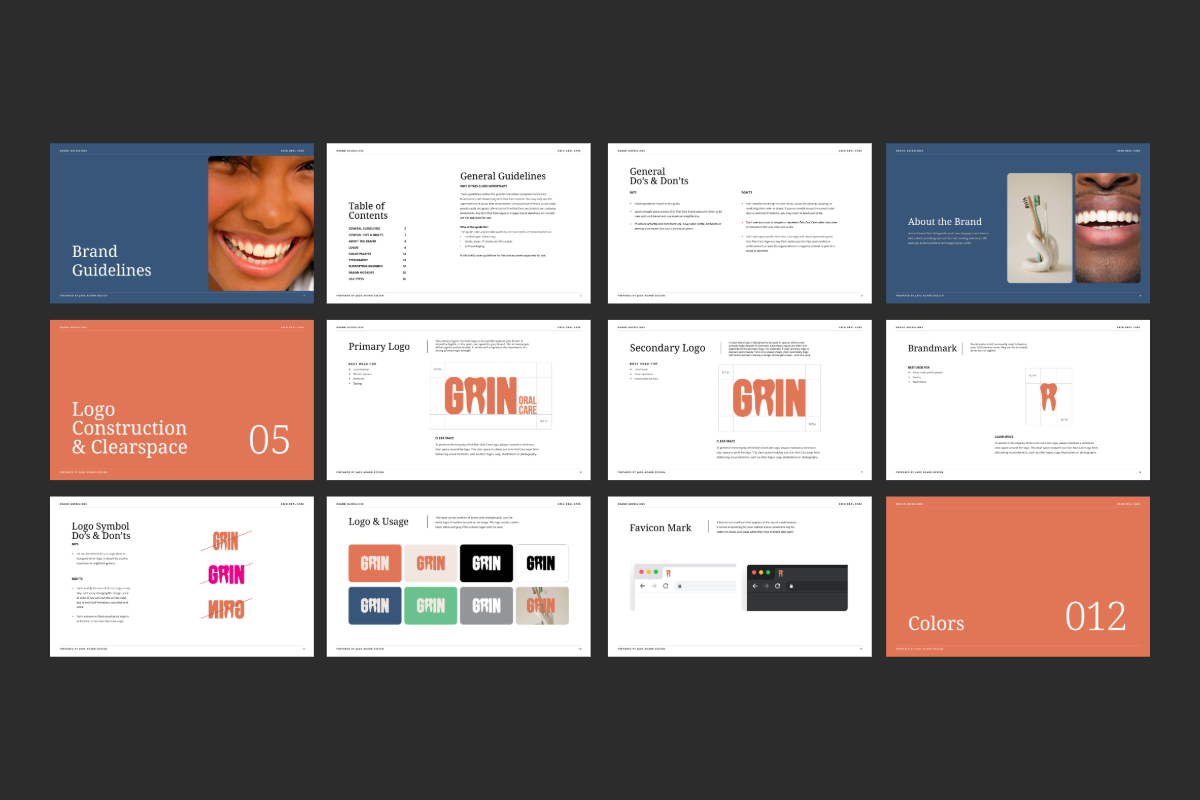
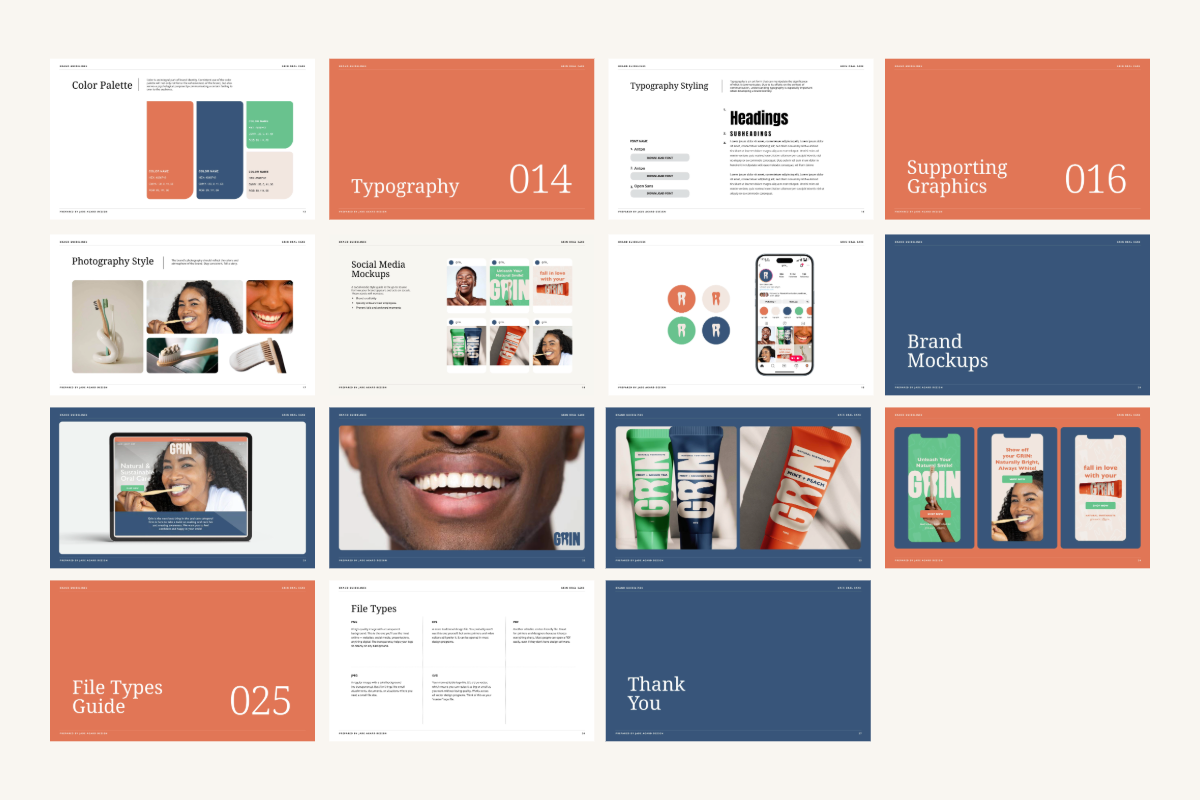
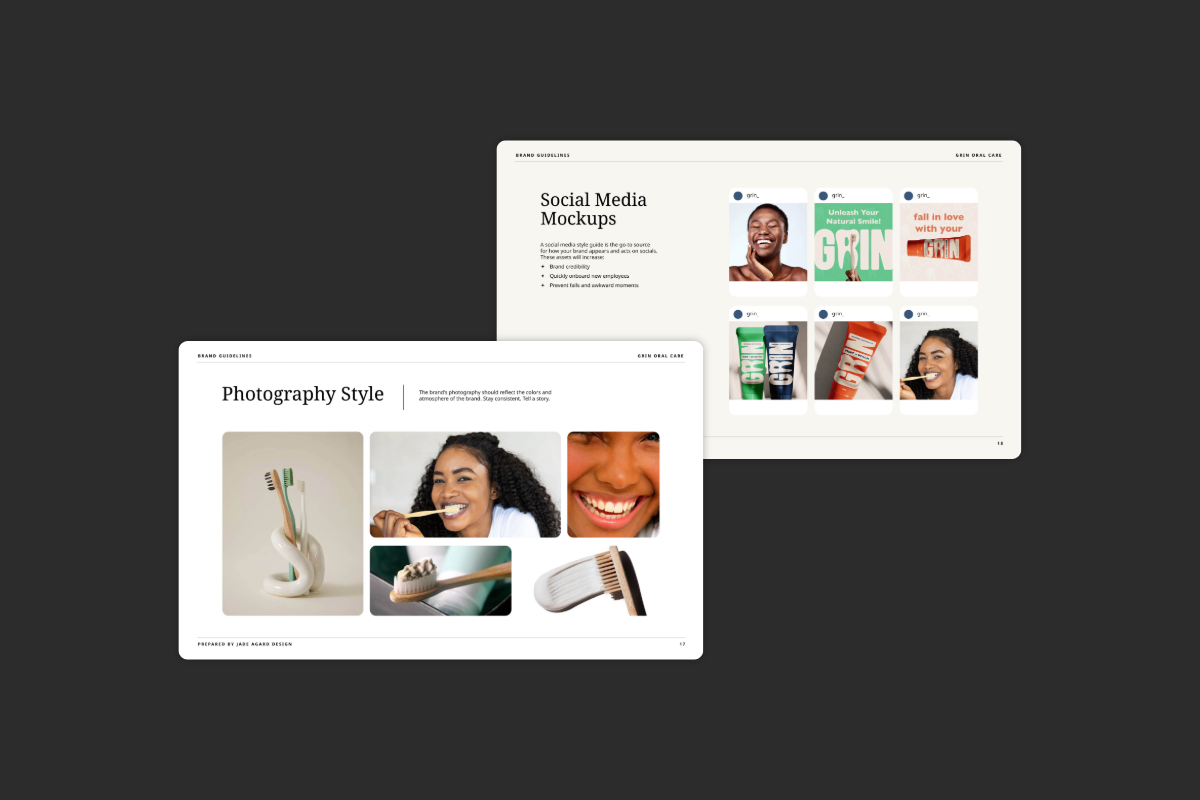
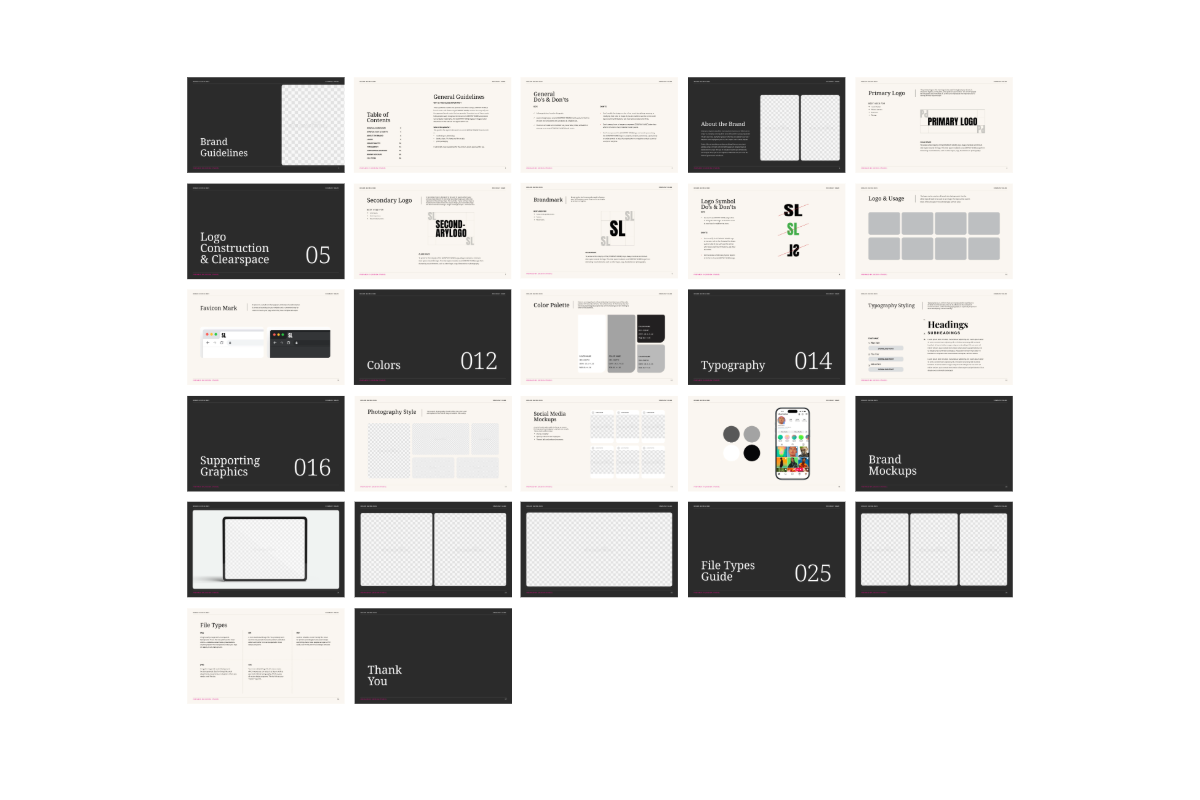
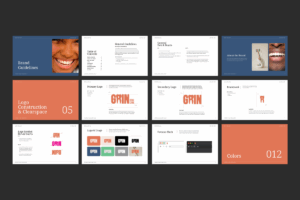
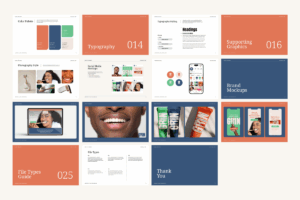
This template gives you a complete, ready-to-fill structure covering every section a thorough brand handoff needs from logo usage and colour palette to do’s and don’ts, supporting graphics, mockups, and a file types guide that actually helps clients use their assets correctly instead of emailing you six months later asking for “the logo in Word format.”
All the sections are already built. All the formatting is already done. You drop in the visuals, update the copy, and hand off something that looks like it took a full day because the structure already exists.
Available in Adobe Express, InDesign, Illustrator, and Affinity. Because whatever your workflow looks like, the guidelines should never be the hard part.
Upon purchase, you’ll be able to download the zip file on the order confirmation page or your account.
Since this is a digital product with instant access, all sales are final. For the full details, take a look at our License & Terms page.
In the zip file, there is a pdf document with the links to download the Google Fonts. Click on the “Download Font” button. Please install the fonts before opening.
Inside the template, you will find ready-for-use prompts as well as guides to help you come up with copy for each individual page based on your process, target audience, brand personality and tone of voice.
On a PC: Right-click the zip file, select “Extract All,” and choose where you’d like the files saved.
On a Mac: Double-click the zip file and it’ll unzip automatically into the same folder.
Still stuck? Reach out and we’ll help you get sorted.
Something not working right, or just have a question about your template? Email us, we’re happy to help.
Sorry, no reviews match your current selections