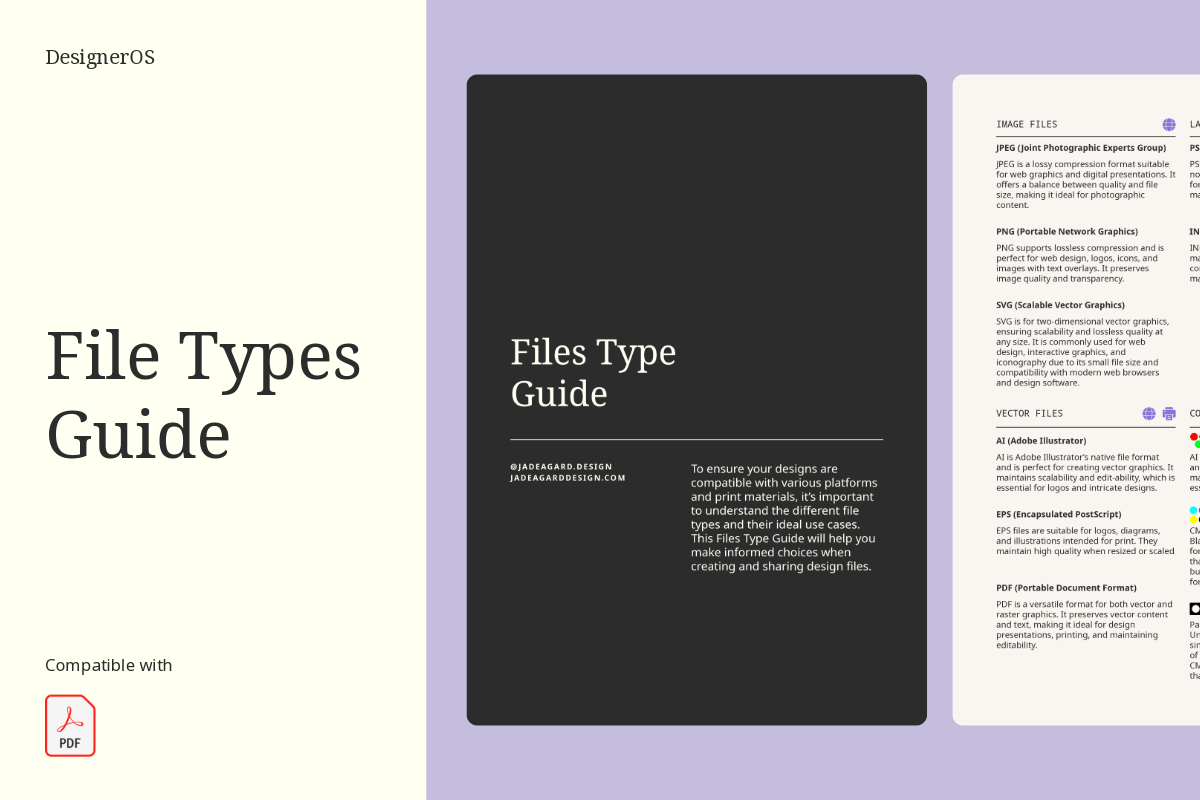
Stop guessing which file format to send. The File Types Guide breaks down JPEG, PNG, SVG, AI, PSD, PDF, EPS, and INDD in plain language, plus a simple explanation of RGB, CMYK, and Pantone colour modes. A quick-reference you’ll actually use before every client delivery, so you always look prepared and professional — for less than the cost of your coffee.
$0.00
Every designer has had that moment of hesitation before hitting send. Wondering if a client needs a PNG or a JPEG, whether print files should be CMYK or Pantone, or what on earth to do when someone asks for “the file that opens in everything.” The File Types Guide exists to end that hesitation for good.
Inside, you’ll find clear, no-jargon breakdowns of the file formats you actually use day to day, JPEG, PNG, SVG, AI, PSD, PDF, EPS, and INDD, explained in plain language without the technical rabbit holes. You’ll also get a simple, practical explanation of RGB, CMYK, and Pantone colour modes, so print versus web prep stops being a guessing game.
This isn’t a deep technical manual. It’s a quick-reference guide built for the exact moment you need it, right before final delivery, when you want to double-check you’re sending the right files for the right purpose. Keep it open in a tab, reference it before every handoff, and stop second-guessing yourself on something that should be simple.
Honestly, it’s one of those “why didn’t I have this sooner” resources. The kind of thing that should have come with design school but didn’t.
Upon purchase, you’ll be able to download the zip file on the order confirmation page or your account.
Since this is a digital product with instant access, all sales are final. For the full details, take a look at our License & Terms page.
In the zip file, there is a pdf document with the links to download the Google Fonts. Click on the “Download Font” button. Please install the fonts before opening.
Inside the template, you will find ready-for-use prompts as well as guides to help you come up with copy for each individual page based on your process, target audience, brand personality and tone of voice.
On a PC: Right-click the zip file, select “Extract All,” and choose where you’d like the files saved.
On a Mac: Double-click the zip file and it’ll unzip automatically into the same folder.
Still stuck? Reach out and we’ll help you get sorted.
Something not working right, or just have a question about your template? Email us, we’re happy to help.
Sorry, no reviews match your current selections